
Create progress invoices easily and bill correctly
With easybill, you can create partial invoices for large projects quickly, legally compliant, and without any calculation effort. From the first progress invoice to the automatic final invoice, you always keep track of everything.
- No forgotten partial invoices
- No incorrect totals in the final invoice
- Time savings thanks to automated processes
Trusted by 80,000+ companies & partners




Progress invoices: When do you need them?
Progress invoices are always used when an order is paid in multiple stages. This is typical for larger projects in skilled trades, IT, construction, or agency services.
Instead of issuing one large invoice at the very end, you invoice individual project milestones. This improves your cash flow and reduces your risk.
With easybill, you create these partial invoices directly from the order. That way, you don’t have to worry about wording or calculations.
Your benefits with easybill

Significant time savings
Automated invoice creation reduces the required clicks to a minimum. Especially for the final invoice, the manual preparation work is eliminated.

Fewer errors
Because the system automatically inserts all previous partial payments as a negative amount in the final invoice, no invoices can be forgotten and no calculation errors can occur.

Full transparency
Thanks to the progress bar in the order, you can see the exact billing and payment status of your project at any time, without having to switch between documents.
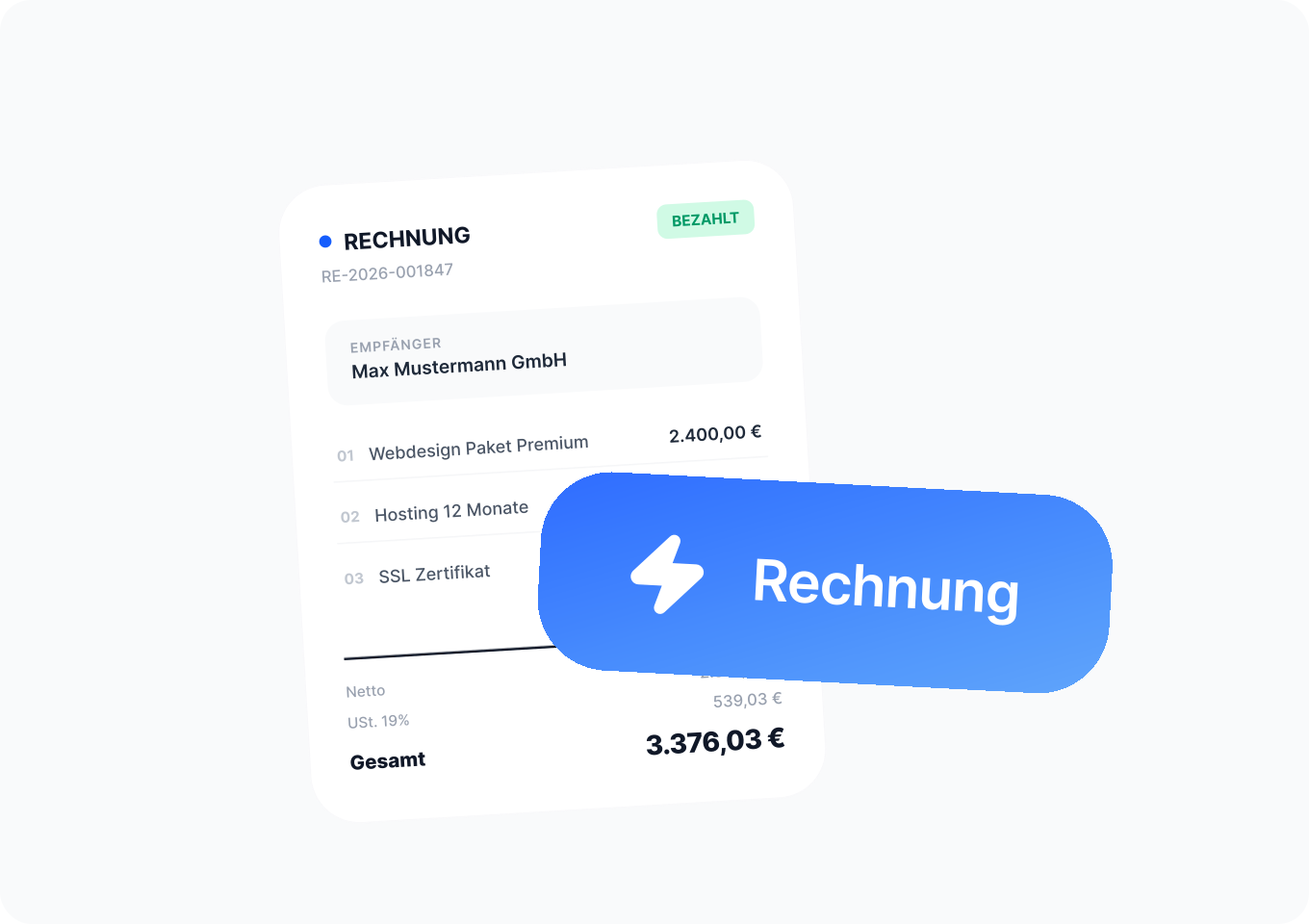
Create a progress invoice
Here’s how easy it is to create your partial invoice in easybill:
- Open the relevant order and click “Create progress invoice”.
- An input window opens. Enter the desired partial amount here, for example €60,000 out of a total of €229,000.
- The system automatically generates the appropriate invoice, including the correct text.
- Finally, click “Complete”.
Automatically create the final invoice
At the end of the project, easybill creates your final invoice almost on its own. You no longer need to calculate or check anything manually. This ensures the final invoice is always correct.
- As soon as your project is completed, you start the final invoice directly from the original order.
- The system automatically pulls in all data from the original order.
- All progress invoices already created are automatically listed and deducted as a negative amount.

More overview of your projects
With easybill, you can see at any time how much of your job has been invoiced. This saves time and provides clarity, especially for larger or long-term projects. The integrated progress bar shows you at a glance:
- How much has already been invoiced
- Which amounts are still outstanding
- How your project is developing financially
Frequently asked questions & answers
The partial invoice is issued during an ongoing project for partial services already rendered. The final invoice is issued at the end and contains the total amount minus all partial payments already made.
No, they are not mandatory, but they make sense in many industries. Especially for larger projects, they help you generate income regularly and reduce your financial risk.
No. In easybill, all partial invoices are automatically taken into account in the final invoice and deducted as negative amounts.
Yes, you determine the amount individually. You can invoice fixed project phases or define flexible partial amounts.