
Write and send dunning notices and payment reminders
Boost your company’s liquidity today and save valuable time by optimizing your payment processes with automated dunning notices and payment reminders.
- Write and send dunning notices
- On-time payment of your invoices
- Effective and efficient payment processes
Trusted by 80,000+ companies & partners




Integrated automated dunning
Don’t want to check every day which invoices have already been paid and which are still outstanding? Set up your own rules to control your dunning process. Let the system create automated dunning notices and payment reminders. Your dunning notice can be sent by post, email, and fax.
- Multi-level dunning process
- Automated creation of payment reminders and dunning notices
- Predefined dunning fees
- Include and exclude customers and customer groups
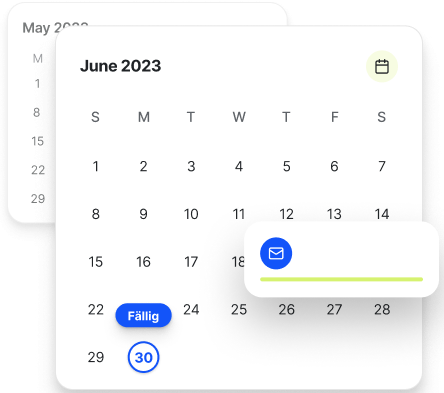
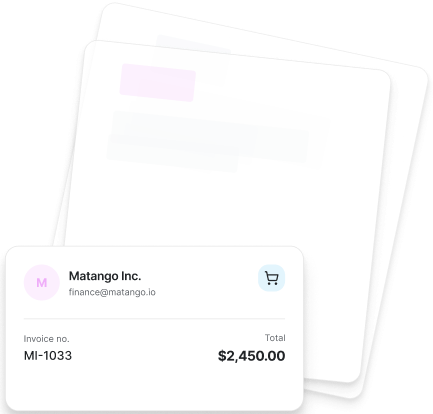
For greater efficiency: Automated payment reminders
Save your customers dunning fees!
Use automated dunning to also create a payment reminder if the invoice hasn’t even reached its due date yet. Remind your customers quickly and easily of upcoming payments when payment terms are long.


Write legally compliant payment reminders
Unpaid invoices are a nuisance? Still, appear professional and create a multi-stage dunning process with the help of pre-written payment reminders and dunning letters. Decide for yourself on the wording, the sequence, and also the amount of dunning fees. easybill provides you with legally compliant texts and ensures the correct transfer of invoice number, invoice date, and amount. You can get started right away and create your first dunning letter.
- pre-written payment reminders and dunning letters
- custom texts and wording possible
- legally compliant content
- Send directly from easybill to your customers
Avoiding payment defaults
Your customer doesn’t respond to payment reminders and dunning letters? The invoice remains unpaid? Use the options provided by our partner mediaFinanz and the integrated interface in easybill.
If your dunning process doesn’t bring a solution, as a final step, transfer the claim directly from easybill to debt collection. Discover more easybill integrations!
- Direct interface to debt collection
- Transfer including accrued dunning fees
- Free registration with mediaFinanz
- No additional costs for you for the collection of the claim
Difference between
Payment reminder and dunning notice
Payment reminders
- A payment reminder is written in a friendly tone to politely remind the customer of the outstanding payment.
- As a rule, a payment reminder does not set an immediate deadline for payment; instead, the customer is kindly asked to settle the outstanding amount soon.
- A payment reminder often emphasizes appreciation for the business relationship and assumes it may have been an unintentional oversight.
- The reminder contains clear information about the outstanding invoice, but the focus is on encouraging the customer to pay voluntarily.
- The payment reminder closes in a friendly manner and thanks the customer in advance for prompt settlement.
Dunning notices
- A reminder has a more assertive tone and alerts the customer to the serious situation that the payment is overdue.
- A reminder sets a clear payment deadline and informs about possible consequences of late payment, such as reminder fees or legal action.
- In contrast to a payment reminder, a reminder emphasizes the urgency of settling the outstanding payment immediately.
- Reminders may contain legal notices and make the customer aware that further legal steps could be initiated.
- A reminder points out the possible consequences of continued late payment and can be a final notice before legal action.
Reconciling outstanding invoices
Is it time-consuming to reconcile outstanding invoices with online banking or—worse still—with bank statements?
With integrated bank account reconciliation, easybill checks your incoming payments and assigns them to your invoices. This might even automatically save you from having to send one reminder letter or two.
- Integrated bank account reconciliation
- Custom filters for reconciliation possible
- Accessible to employees via permissions management
- Assignment to outstanding invoices
- Perfect combination with automated dunning
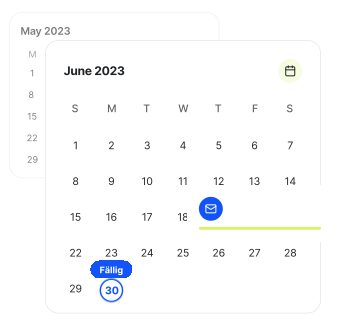
Write professional reminders
- Send payment reminders & reminders automatically
- Automated & reliable payment reminders reduce the risk of errors and delays.
- Individually customizable wording & text
Our video tutorials on payment reminders and reminders
Would you like to learn more about how payment reminders and reminders are created in easybill? Then check out our video tutorials with Benjamin!
Frequently asked questions
about payment reminders and dunning notices in easybill
Yes, it is possible to customize the dunning notices to suit your needs. To do this, you can, for example, adjust the content, the appearance, and the number of days after which a dunning notice should be created and sent.
You can send a payment reminder if your customer has not paid the invoice on time. It is recommended to send the reminder about a week after the invoice due date or a few days before the deadline expires.
It is important to remain polite and professional in your wording. This can help customers make their payments faster. To avoid the tedious manual writing of payment reminders, you can use easybill, for example, to automate this process.
easybill gives you the option to send automated payment reminders to your customers. These reminders can also be sent before an invoice is due to remind the customer in advance of the payment that will be due shortly.
Yes, easybill can create dunning notices as well as payment reminders. The number of dunning notices is not limited and can be adapted entirely to your individual case. You can set up standard templates with corresponding texts for all dunning notices.
They can be sent by post, email, or fax.
Start your friendly payment reminder with a polite and respectful salutation, for example, “Dear Mr. Mustermann”.
Express in a positive tone that you are grateful for the business relationship so far, and kindly point out the outstanding payment. Provide clear information about the unpaid invoice, such as the invoice number, amount, and due date.
Also offer your customer the opportunity to clarify any uncertainties or discuss payment issues. Close the reminder in a friendly manner and express your hope that payment will be made soon. Thank the customer in advance for taking care of it promptly and show your appreciation for the collaboration.
In a dunning notice, you should first politely but clearly point out the outstanding payment and state the invoice due date. Name the outstanding amount and set a clear deadline for payment by pointing out possible consequences of late payment.
Finally, you should offer your customer the opportunity to clarify any uncertainties and provide your contact details for any questions.
The number of dunning notices you can send is not regulated by law. However, it is recommended to send no more than three dunning notices.
The first dunning notice should be friendly, the second more insistent, and the third worded as a “final notice”. It is important that dunning notices are worded politely and professionally and comply with the legal requirements.
easybill Erfahrungen
Unsere Kunden lieben uns