Amazon tax reports – keep settlements under control
easybill Connect automatically downloads Settlement Reports, identifies missing orders, and creates analyses for your accounting – including VCS support.
Trusted by 80,000+ companies & partners




Your benefits with easybill

Retrieve Settlement Reports
Download settlement reports directly from easybill Connect – without detouring via Amazon Seller Central.

Find missing orders
Every transaction is linked to your document number – giving you a seamless assignment that Amazon itself doesn’t provide.

Detailed breakdown
See every line item: sales, refunds, fees, advertising costs – transparent, line by line.
VCS & VCS lite
Support for Amazon’s VAT Calculation Service – whether you calculate VAT yourself or Amazon calculates the tax.
Invoices as PDF
Create a combined PDF of all invoices that belong to a settlement – ideal for your tax advisor.
Excel export
Export settlement data as CSV or Excel for your own analyses or accounting.
Automatically download settlement reports
Amazon regularly creates settlement reports with all transactions. easybill Connect retrieves them via API – you don’t need to go into Seller Central.
- Automatic download via Amazon SP-API
- All settlements in one overview
- Date range and reporting period visible
- Update at the push of a button
Identify missing orders
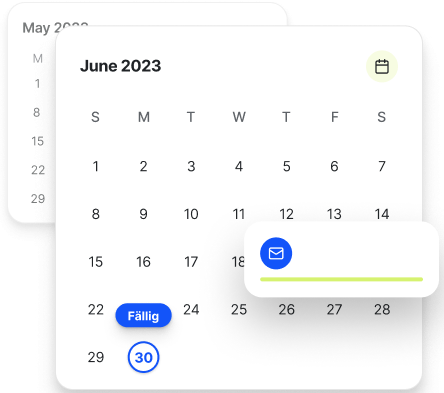
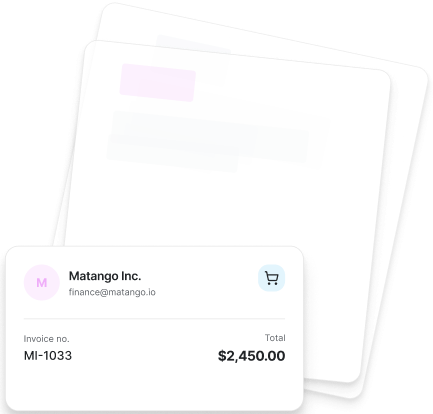
Not every order in the settlement was imported beforehand – e.g. in the case of subsequent refunds or chargebacks. easybill Connect shows you what’s missing.
- Reconciliation: settlement vs. imported orders
- List of missing order IDs
- Direct import of the missing orders possible
- Prevents gaps in accounting
Financial breakdown
A settlement contains more than just sales. easybill Connect shows you all items – clearly and transparently.
- Sales and refunds
- Amazon fees (FBA, storage, shipping)
- Advertising costs (Sponsored Products, etc.)
- Chargebacks and reversals
- Net payout amount
VCS and VCS lite
easybill Connect supports both versions of Amazon’s VAT Calculation Service – whether you calculate VAT yourself or Amazon calculates the tax.
- Automatic detection of VCS orders
- Correct data transfer for your accounting
Invoices for the settlement – as a PDF
Your tax advisor needs all invoices for a settlement? Create a combined PDF with all relevant documents.
- All invoices of a settlement in one PDF
- Sorting by invoice number or date
- Progress indicator for large batches
- Download or print directly from easybill
Transfer reports & inventory movements
Do you use Amazon FBA? Then Amazon moves your goods between warehouses. easybill Connect shows you what is stored where.
- Automatic enrichment with purchase prices and currency conversions
- Date filter for any time periods
- Export as an Excel file
- Useful for transfer lists and inventory reconciliation
Frequently Asked Questions & Answers
A settlement report is Amazon’s billing statement. It contains all transactions for a settlement period: sales, refunds, fees, and the net payout amount.
Amazon usually creates settlements every 14 days. The exact cadence depends on your seller account.
With VCS, Amazon creates the invoice entirely. With VCS lite, easybill Connect handles the calculation and document creation. In both cases, the data is processed.
Yes. easybill Connect shows you orders that appear in the settlement but haven’t been imported yet. You can import them directly afterwards.
easybill Connect supports uploads via IDU (Invoice Data Upload) for standard invoices and VCS/VCS lite for tax-calculated documents. The upload happens automatically after the invoice is created.
If Amazon moves your goods between EU warehouses (e.g. from DE to PL), you must document this for tax purposes. The inventory movement reports help you with this.