Writing quotes made easy
Always keep an overview and generate invoices directly from quotes for your products and services.
- A professional quote in just a few clicks
- Easy management and overview of your quotes
- Create invoices directly from quotes
Trusted by 80,000+ companies & partners




Your benefits with easybill
Quotes in seconds
Are you looking for software for quotes? With easybill, you can create professional quotes in just a few clicks.
Wording your quote letter correctly
Create quotes from customised templates with all required mandatory details.
Optimal collaboration with your tax advisor
Give your tax advisor easy access for optimal data exchange.
Create custom quotes
Use the layout editor to create the basis for all your document templates in just a few minutes. Add your logo or letterhead, upload your own fonts, and customize the look of your documents to your liking.
- Layout and template editor for custom quotes
and other documents - Customize the format of your quote number to suit your needs
- Add attachments such as T&Cs
- Generate QR codes for easy payment
- Save valuable time with automated workflows
Write and send order confirmations
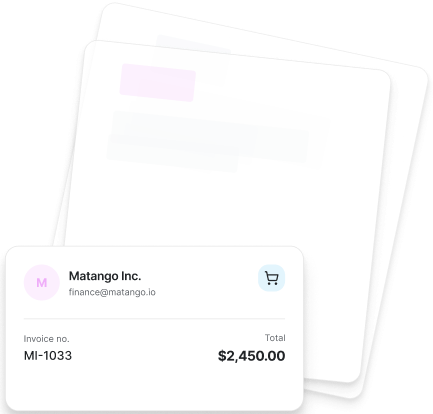
As soon as your customer has confirmed your quote, you can easily place an external order or create a job. With just two clicks, you can generate a job or order from the quote and add your supplier as the recipient. This saves you time and ensures a smooth process.
Update text or invoice line items using saved templates. Create an order confirmation if additionally requested.
- Placing orders and order confirmations
- Complete process mapping from quote, order, and job
Manage your quotes, customer data, and delivery notes
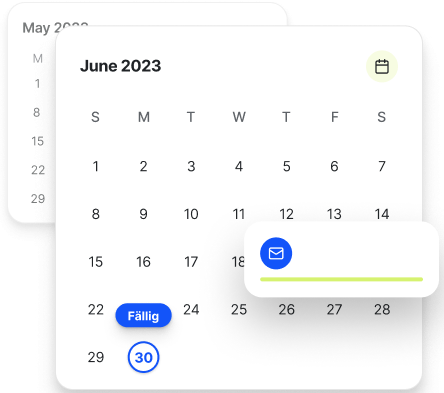
Start your process easily by creating a professional quote. Convert a quote into a job, delivery note, or invoice with just a few clicks. Also use a quote-specific due date to set deadlines and send automatic reminders.
- Permission management for creating documents for employees
- Separate quote deadlines
- Customize the format of your quote number to suit your needs
- Free email sending, also via your own mail server
Generate invoices from quotes
Create an invoice directly based on a quote or generate progress invoices. Adjust item descriptions or customer data as needed.
Either adopt all items from the quote or only some of them. Also add attachments such as returns information, T&Cs, or cancellation policy instructions that should be sent by email.
Benefits at a glance:
- Convert quote to invoice with one click
- Progress invoices as needed
- Attach invoice-relevant document attachments for sending
- Updating item descriptions
Convenient analysis overview
Connect Amazon, eBay, Shopify and many other marketplaces. Invoices are created and sent automatically.
- Exportable reports as PDF, CSV or MS Excel
- Status details also available as filter options
- Color coding for document statuses
Write professional quotes with all mandatory information
The following mandatory information must be included in your quote:
- Sender and recipient: Full address details of both parties
- Quote details: Date and a unique quote number
- Description of services: Precise details on the type, quantity and price of the products or services
- Price: Unit and total prices (net), VAT shown separately, and the gross amount
- Delivery and payment terms: Clear deadlines for delivery/service and payment
- Validity: A validity date for the quote so it isn’t binding forever
- Legal notices: If applicable, a reference to your T&Cs and, where relevant, the small business regulation
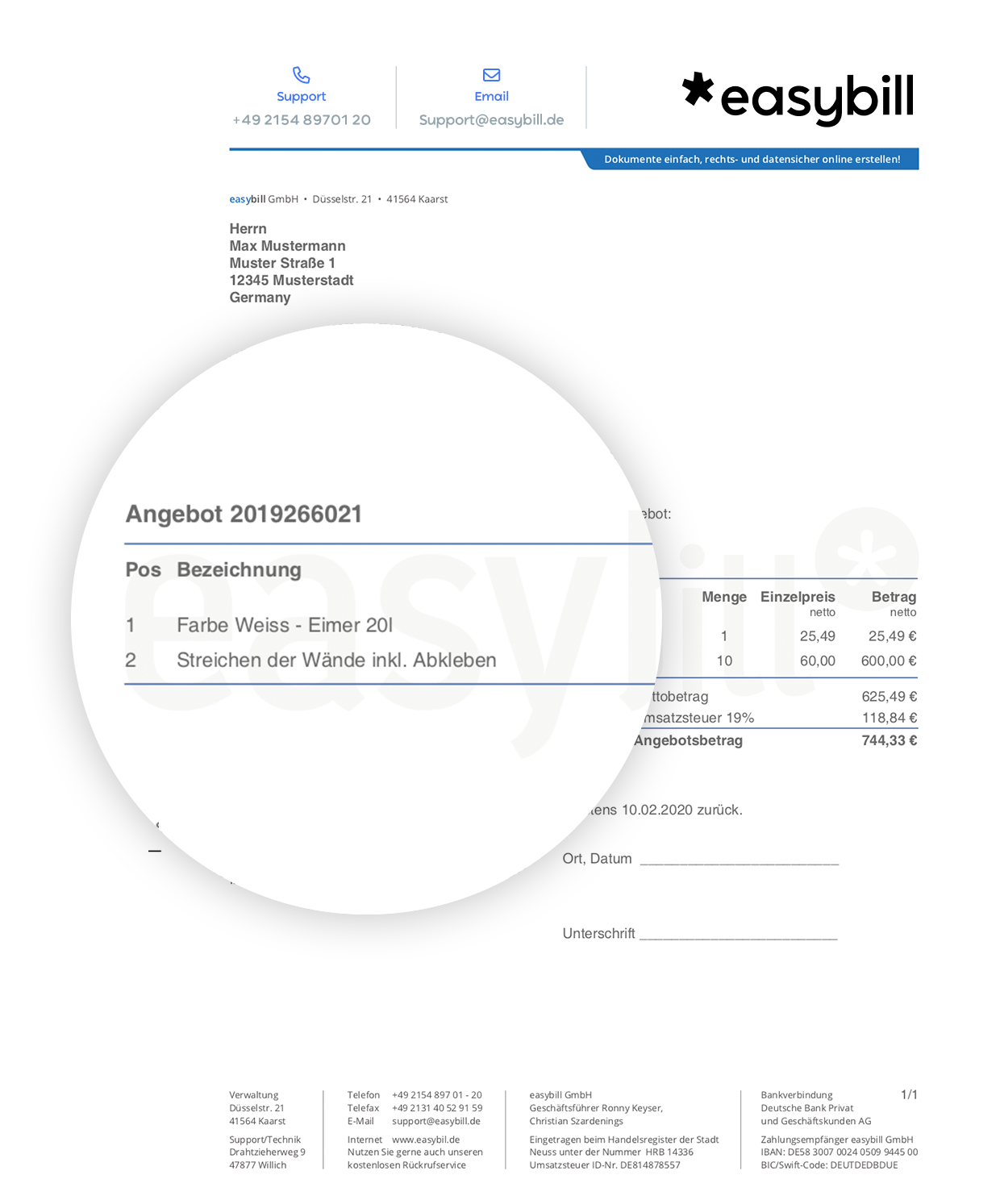
Create cost estimates
Do you create cost estimates on a regular basis? With easybill you get everything from a single source. Decide case by case whether to word a quote or create a cost estimate.
- Create your own template for cost estimates
- Convert to an order or invoice
- Access the cost estimate management from anywhere
The most important information about quotes at a glance
easybill via video: tutorials, interviews and more about your easybill account on easybillTV.
Frequently Asked Questions & Answers
Everything you need to know about switching and e-invoicing.
Thanks to automated processes, using software is the much more convenient solution for creating quotes quickly and sending them right away. With easybill, you can create professional quotes and convert them into other documents. Every easybill package also includes quote creation.
Yes, you can customize your quotes individually using our layout and template editor. Personalized quotes help you strengthen your brand and leave a better impression on your customers.
A written quote is a formal document that records the details of a business offer. It typically contains information about products or services, prices, payment terms, and other relevant conditions. A written quote creates transparency, ensures legal certainty, and helps avoid misunderstandings.
Yes, once it has been accepted you can invoice your quote directly or create installment invoices. With just one click, you can convert a quote into an invoice.
At easybill, your data is well protected. It is stored exclusively on servers in Germany and secured using modern encryption standards. In addition, you can use two-factor authentication (2FA).
easybill Erfahrungen
Unsere Kunden lieben uns